How it works for guests
Guests download Waive and join with your event code or QR code. They allow Screen Time once. They don’t pick any apps. You decide what locks.
Guests join free.
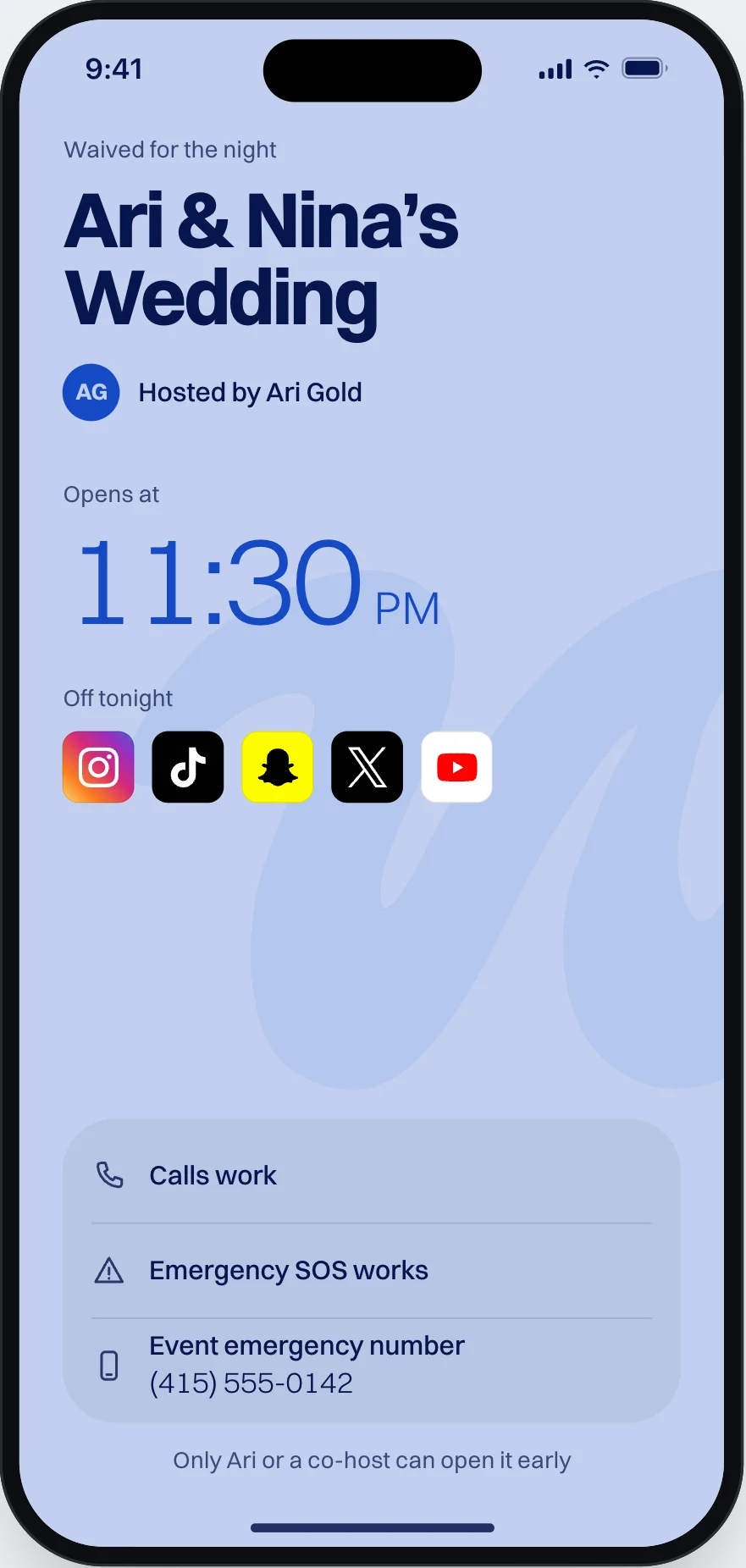
Pick what locks
Social immersion
Social apps lock. Camera, Maps and calls stay open.
Full immersion
Everything locks but calls and Emergency SOS.
Who can open a phone
- Only you, a co-host, or the end time.
- If one guest needs out early, you show a code on your phone and they scan it.
- Calls and Emergency SOS always work. If you add an emergency number, guests see it on the locked screen.
What you see
Counts: how many guests are waived, waiting or out. Never which apps.
Limits
- Guests need an iPhone and the Waive app.
- A guest can turn off Screen Time access for Waive in iPhone Settings. That ends their lock.
- An event lasts up to 12 hours.
- A child under 13 joins with a pass from a parent’s iPhone.
Pouches or Waive
| Phone pouches | Waive | |
|---|---|---|
| What you need | A pouch for each guest, bought or rented | One event, bought in the app. Guests install the app free. |
| Phones | Any phone | iPhone only |
| Phone in hand | No. It stays sealed. | Yes. Calls always work, and with Social immersion the camera too. |
| Opening at the end | Staff or an unlocking station | The end time opens every phone |
What it costs
Priced per event. You buy it in the app when you set it up. For a large event, tell us the date and how many guests.